How do I show fabric choices with prices on a product page?
How do I show fabric choices with prices on a product page?
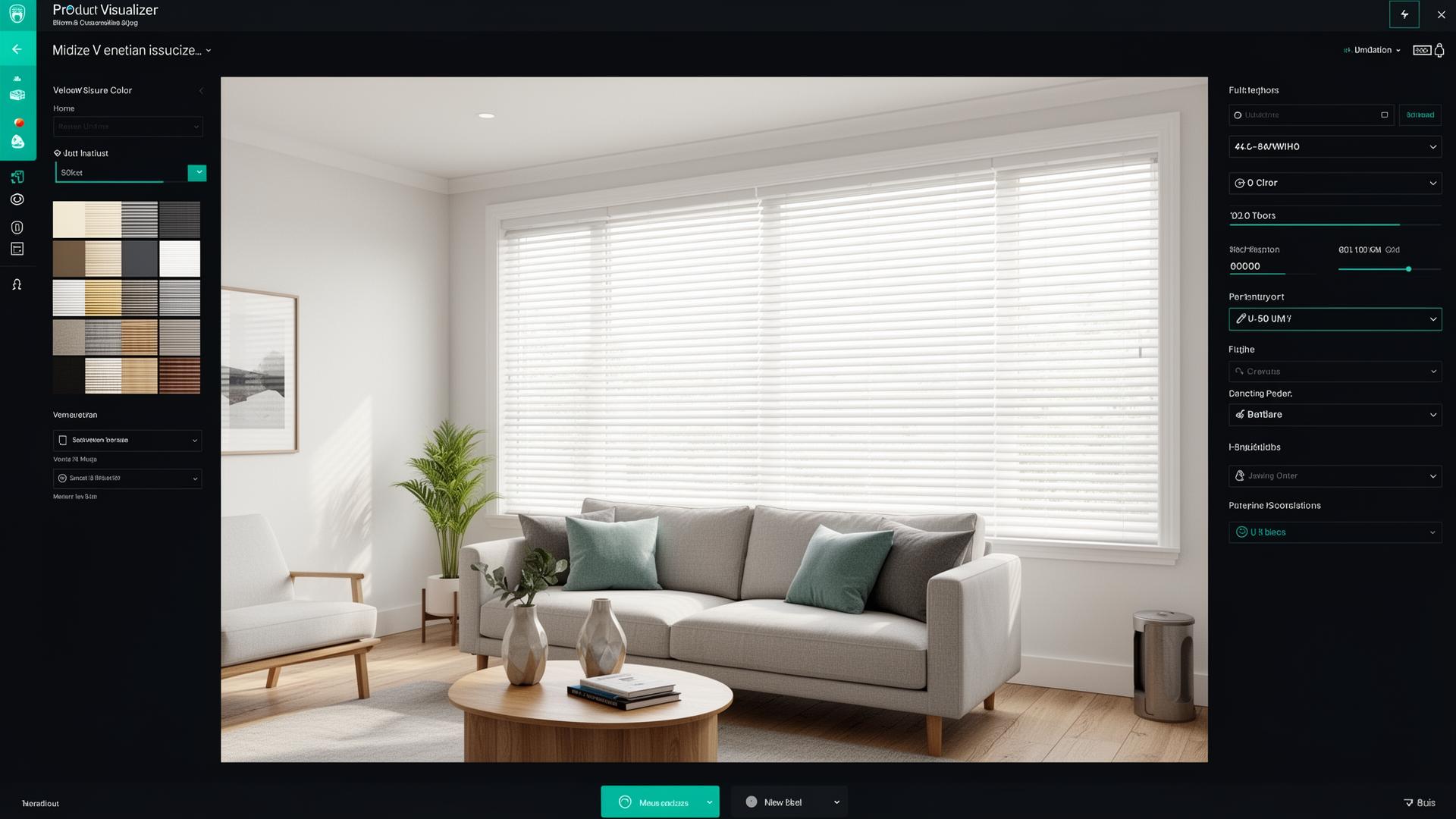
Show fabric choices as swatches grouped by price band, with the price for the customer's own size changing as they click. Sort your fabrics into price groups, A, B, C and so on, give each group its own width and drop grid, and put a small photo of each fabric under its group. The customer types the width and drop, clicks a swatch, and sees what the blind or curtain costs in that fabric. On Shopify this needs a calculator app, because Shopify variants cannot price a made to measure size.
Why a dropdown of fabric names does not work
A list that says "Linen Natural, Linen Stone, Velvet Navy" tells the customer nothing about how the fabric looks or what it costs. They pick one, wait for the price, go back and try the next. Most people stop after two or three. Swatches with a price next to each group show the whole range at once.
Group fabrics by price, not by colour
Your supplier almost certainly sorts its fabrics into price bands already. Use the same bands on your website.
- One price grid per group, by width and drop.
- Every colour in a group uses that group's grid.
- A new colour is a new swatch, not a new price list.
This keeps the number of grids small. A range of 60 fabrics in four price groups is four grids, not 60.
What the customer should see
- The size boxes first. Width and drop at the top, so every price shown after that is for their window.
- Swatches under group headings. "Group A", "Group B", or plain names such as "Plain cottons" and "Textured weaves". Use a photo of the real fabric, not a flat block of colour, so the texture shows.
- What each group adds. Next to each heading, show the extra for their size, for example "+£12".
- The fabric name and code. They will need it to order a sample or to ring you.
- The full price, live. The total changes the moment they click a different swatch.
A worked example
Here is one roller blind, 120 cm wide with a 150 cm drop, in three fabric groups. These are example figures, so use your own.
| Group | Fabrics | Price at 120 x 150 cm | Shown next to the group |
|---|---|---|---|
| A | Plain whites and creams | £62 | Included |
| B | Textured and coloured | £74 | +£12 |
| C | Blackout and patterned | £89 | +£27 |
If the customer changes the width to 150 cm, every figure changes with it, because each one comes from its own group's grid. That is why a fixed "+£10 for premium fabric" is wrong on most windows. The extra for a better fabric depends on the size.
Where it goes wrong
- Swatch photos that do not match the fabric. Photograph the real samples in daylight, from the same distance for every fabric.
- A fabric in the wrong group. One blackout fabric left in group A sells below cost on every order. Check every fabric against the supplier's list before you go live.
- The fabric missing from the order. Place a test order and check that the fabric name and code are on it, not only the price.
- Too many swatches in one block. If the range is long, split it by group or add a filter for colour or blackout.
What it costs
Curtain and Blind Calculator lets you upload a swatch for each fabric, give every option its own price, and shows the price on your Shopify product page as the customer types the sizes and picks the fabric. It is $99 a month on Shopify, about £79, with a 7-day free trial.
Next step
Install Curtain and Blind Calculator from the Shopify App Store, or ask us to set up your first product with your fabric list and price groups.
First published on the InterioApp blog.
1reading now
Written by
 Curtain & Blind CalculatorShopify app for made-to-measure curtains and blinds20 pieces · 17 followers
Follow puts new posts in your feed. Get new posts sends them by email. One tap to stop.
Also on YouTube1.24K subscribers
- views