How do I stop wrong measurements on online blind orders?
How do I stop wrong measurements on online blind orders?
Most wrong measurements on online blind orders come from three things: the customer does not know whether to measure inside or outside the recess, they measure in one place only, or they type centimetres where you expect millimetres. Fix those on the product page itself. Ask for the fit type first, put a short measuring guide next to the size boxes, say which unit you want, refuse sizes you cannot make, and check every order against a short list before it goes to the workroom.
Ask for the fit type before the size
An inside recess blind and an outside recess blind are measured differently. If the customer picks the fit first, the guide can say exactly what to measure.
- Inside the recess. Ask for the exact width and drop of the recess. Tell them not to take anything off, because you make the deduction for the brackets.
- Outside the recess. Ask for the size of the blind they want, including the overlap on each side and above the window.
Then make sure the fit type is on the order. A blind made to the recess size but hung outside it will be too small. The other way round, it will not fit at all.
Measure in three places
Few windows are square. Ask the customer to measure the width at the top, middle and bottom of the recess, and the drop on the left, middle and right, and to use the smallest of each. Say this in one line next to the size boxes, not on a separate page they will never open.
One unit, said clearly
Pick centimetres or millimetres and say it in the box itself. A blind ordered at 1200 when you expected centimetres is 12 metres wide. One ordered at 120 when you expected millimetres is 12 cm wide. Both should be stopped on the page.
Refuse what you cannot make
Set the smallest and largest width and drop for each product, the same as the first and last bands of your price grid. A size outside them is almost always a typing mistake or the wrong unit. The page should refuse it and say why, not guess a price.
Check every order before it is made
A two minute check on each order catches most of what gets through the page.
- Is the fit type on the order, inside or outside?
- Do the width and drop look like a real window? A small kitchen window with a drop of 250 cm is worth a call.
- Are blinds for the same room close in drop? If one is 30 cm out from the others, ask.
- Are the chain side and every other choice filled in?
If anything looks wrong, email or call the customer before the fabric is cut. A day's delay costs you nothing. A remake costs you the whole blind.
Say who pays for a wrong size
Put it on the product page and in your terms: made to measure blinds are made to the sizes the customer gives, so a wrong measurement is not a fault and is not refunded. It also saves an argument later, because the rule was there when they paid.
What it costs
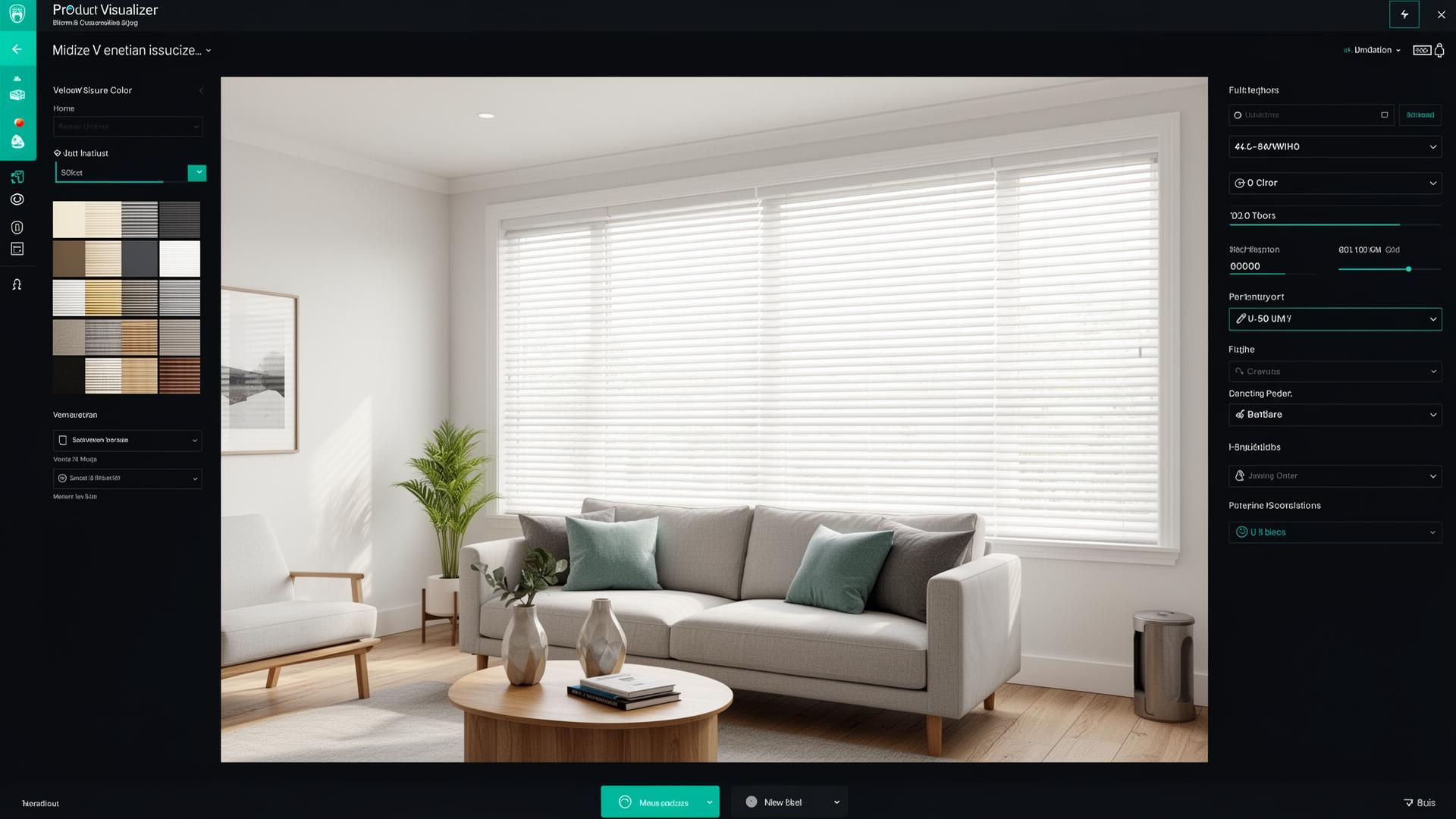
Curtain and Blind Calculator prices the size from your own grid on your Shopify product page, with your smallest and largest sizes as the limits. You can put your measuring guide next to the size boxes, and the width, the drop, the fit type and every option go on the order. It is $99 a month on Shopify, about £79, with a 7-day free trial.
Next step
Install Curtain and Blind Calculator from the Shopify App Store, or ask us to set up your first product with your measuring guide and price grid.
First published on the InterioApp blog.
1reading now
Written by
 Curtain & Blind CalculatorShopify app for made-to-measure curtains and blinds20 pieces · 19 followers
Follow Curtain to see new posts in your feed, on your phone or by email.
Also on YouTube1.24K subscribers
- views