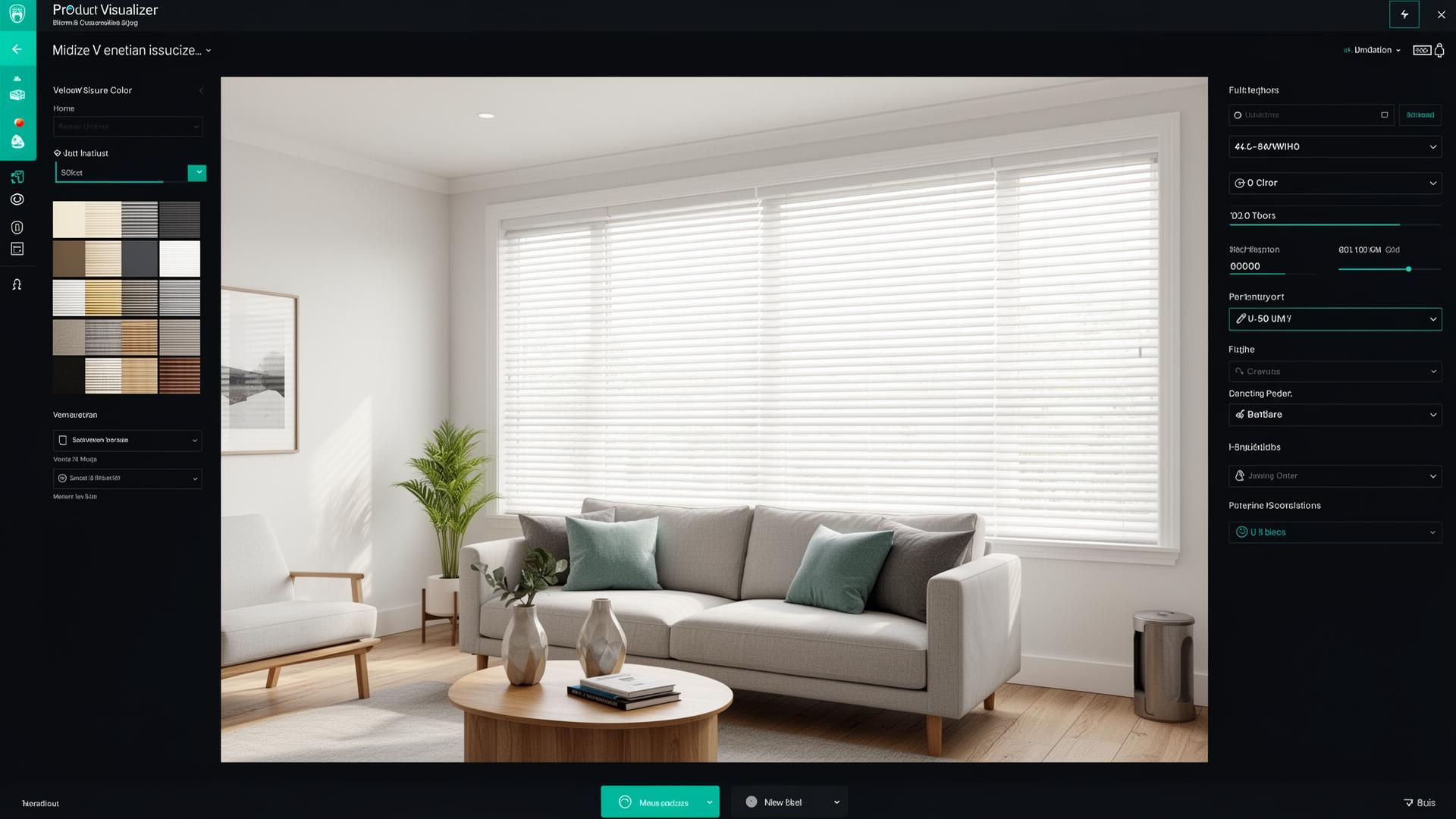
Which Shopify app prices blinds, shutters and awnings by size?
Which Shopify app prices blinds, shutters and awnings by size?
The Curtain and Blind Calculator does. It adds a size calculator to your Shopify product page: the customer types the width and the drop, picks the options, and sees the real price straight away, from your own price grid. It works for curtains, roller and Roman blinds, and anything else you price by width and height: shutters, awnings, insect screens, even made-to-measure doors. The order arrives with every measurement and choice written on it, ready for production.
Why a normal Shopify product does not work for made-to-measure
Shopify is built for things with fixed sizes: small, medium, large. A blind that is 1,240 mm wide and 1,680 mm high is not a variant you can list. Shops try to fake it with dozens of size variants, or a "request a quote" form, and both lose sales. The customer wants the price now, for their window, not an email in two days.
What does the Curtain and Blind Calculator do?
Price by width and drop. Upload your supplier price grid as CSV, Excel or JSON. The calculator finds the right price for every size.
Options that add to the price. Fabric, lining, control side, motor, fitting. Each option can change the price, and options can show or hide depending on what the customer picked before.
Metric and imperial. Millimetres, centimetres or inches, so you can sell in the UK, Europe and the US from the same store.
Production-ready orders. Every order carries the measurements and every choice, so nothing is guessed in the workroom.
Works with your theme. It sits on your existing product pages, no new store needed.
Connects to InterioApp. If you also quote in your showroom with InterioApp, online orders and showroom quotes can live in one system.
Not only curtains: shutters, awnings and screens
Anything priced by size follows the same logic: a grid of widths and heights, plus options. That is why the same calculator is used for shutters, outdoor awnings, insect screens and doors. If your supplier gives you a price list by size, the calculator can sell it online.
Where AI helps, and where it does not
AI is great for showing what a calculator could look like on your website, and for writing your product pages. But a nice-looking form is not enough. The price must come from real pricing logic: your grids, your rules, your minimum charges. That logic, running in the background every time, is what the app does.
Quick answers
Can Shopify sell made-to-measure blinds?
Yes, with a calculator app. The customer enters the size and sees the price from your grid, then adds it to the cart.
Can I use my supplier's price list?
Yes. Upload it as CSV, Excel or JSON and the calculator uses it.
Does it work for shutters and awnings?
Yes. Anything priced by width and height, plus options, can be set up.
Does it work in inches?
Yes. It supports metric and imperial.
Can you set it up for me?
Yes. Tell us your product and we can help set up your first one, so you see it working on your own store.
See it on the Shopify App Store: Curtain and Blind Calculator
1reading
Written by
 Curtain & Blind CalculatorShopify app for made-to-measure curtains and blinds21 pieces · 23 followers
Follow Curtain to see new posts in your feed, on your phone or by email.
Also on YouTube1.24K subscribers