How Roman blind pricing tables work in a made-to-measure calculator
Roman blinds price differently from curtains. Fabric usage does not scale linearly with drop; the horizontal battens add fabric that a plain curtain does not need; and lining choices interact with the pleat count. A calculator that gets this right treats the price as a lookup into a table the merchant controls, not a formula hard-coded into the app.
The shape of a Roman blind table
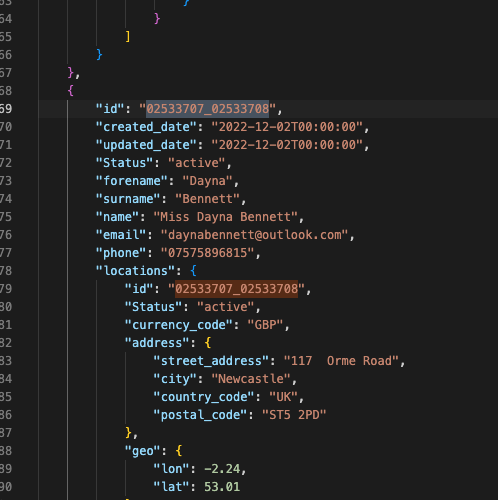
A typical Roman blind pricing table has three input dimensions: fabric width band, drop band, and lining option. The merchant supplies the price for each combination. The Curtain and Blind Calculator loads the table from a CSV, Excel, or JSON file and stores it against the product. When a shopper enters 120 cm width and 180 cm drop with blackout lining, the app finds the cell that covers those bands and returns the price.
Why bands, not exact figures
Merchants who priced by exact width and drop found the table exploded past 10 000 rows. Bands (say, 100 to 120 cm width; 150 to 200 cm drop) collapse the table to a manageable size while still capturing the fabric-usage steps that matter. A width jumping from 119 cm to 121 cm rarely changes the fabric requirement enough to price differently; a jump from 100 cm to 150 cm always does.
Fabric width guards
Fabric comes in standard widths (usually 137 cm or 300 cm depending on the mill). Roman blinds cut from a 137 cm fabric may need a seam once the finished blind passes a certain width. Merchants encode the seam surcharge as its own line in the table, so the calculator returns the correct price without the shopper needing to understand the fabric geometry.
Lining as a separate axis
Lining is a separate multiplier: standard lining, blackout, thermal, interlining. The pricing table can either encode lining as an additional column per row, or as its own two-column lookup added on top of the width and drop match. The Curtain and Blind Calculator supports both structures; the merchant chooses whichever matches how they already price.
Where the table lives
Pricing tables live on the merchant's Shopify product record. They are uploaded once, updated when fabric costs shift, and never touched by the shopper. The calculator itself carries no default prices. That decision keeps the same app usable across a boutique curtain shop in Vilnius and a national blind retailer in Manchester.
1reading
Written by
 Curtain & Blind CalculatorShopify app for made-to-measure curtains and blinds20 pieces · 19 followers
Follow Curtain to see new posts in your feed, on your phone or by email.
Also on YouTube1.24K subscribers